


The Dominator Cup Game

The Dominator Cup


-
 100%
100%
-
 0%
0%
-

-
Report
Report Game
What kind of problem have you encountered?

-

-

Game Instructions:
-
Activate BowlerTo Play shot
Recommended Cricket game
-
![Play The Dominator Cup]() New
New
The Dominator Cup
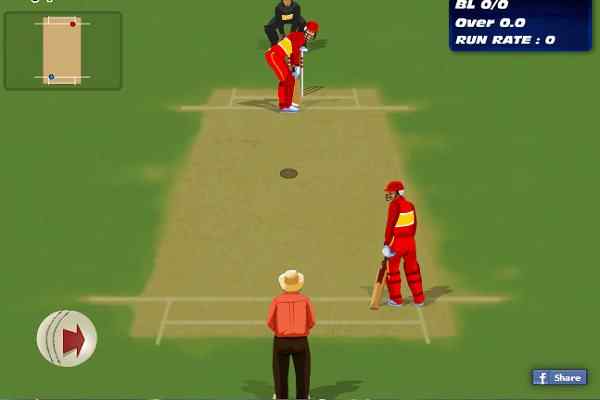
The Dominator Cup: Beat various teams to emerge as an ultimate winner in the best online sports game!
-
![Play Cricket Super Sixes Challenge]() New
New
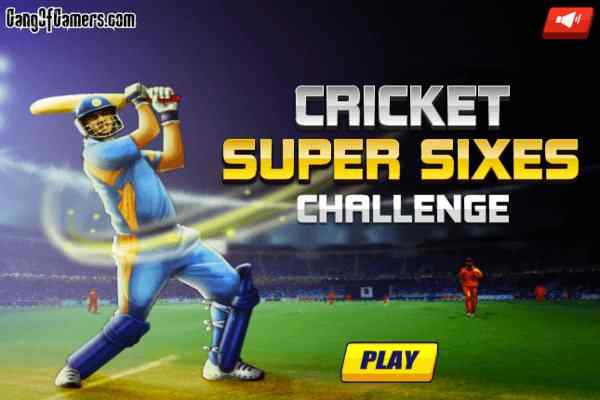
Cricket Super Sixes Challenge
Very few balls are spared away to finish the game and claim for your victory! Hit over the pavilion!
-
![Play Cricket Master Blaster]() New
New
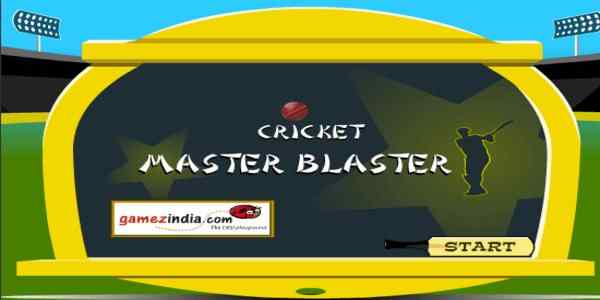
Cricket Master Blaster
Have all the fun you didn?t get in your last cricket match! Complete the given target to move on to the next level!
-
![Play Cricketer Premier League]()
Cricketer Premier League
Are you ready to play the big league? Pick your favourite one from 8 team choices and beat everyone in your path!
-
![Play Hit and Run]()
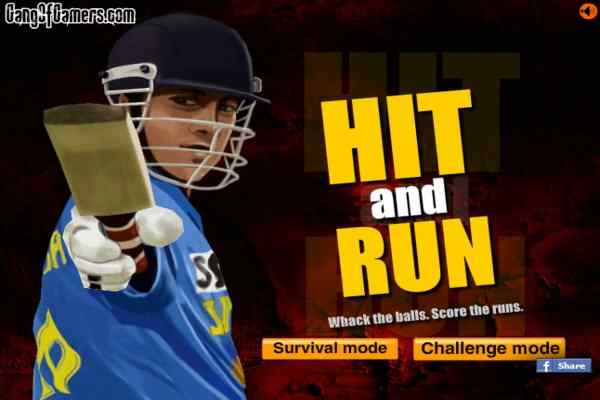
Hit and Run
Explore your batting skills and get ready to make the runs within the least time possible! You have only 30 balls to play!
-
![Play Cricket World Cup 2011]()
Cricket World Cup 2011
Play Cricket World Cup 2011 and live the moments of any of the World Cup 2011 match in your own style!



The Dominator Cup Game Overview
How to Play The Dominator Cup Game
Main Features of The Dominator Cup Game
- Cricket Tournament: Compete against multiple international teams.
- 14 Levels: Progress through 14 levels of cricket gameplay.
- 10-Over Chase: Chase the opponents target within 10 overs.
- Multiple Opponents: Face teams from different countries and regions.
- Batting Controls: Use the arrow keys to play shots.
- Bowling Controls: Use the Spacebar to bowl.
- Shot Direction: Choose different directions for your batting shots.
- Team Progression: Advance through opponents as you complete challenges.
- International Teams: Includes Australia, South Africa, New Zealand, England, Pakistan, Sri Lanka, West Indies, Bangladesh, Zimbabwe, Ireland, Kenya, Holland, Scotland, and Bermuda.